How To Fix GB WhatsApp Ban Issue
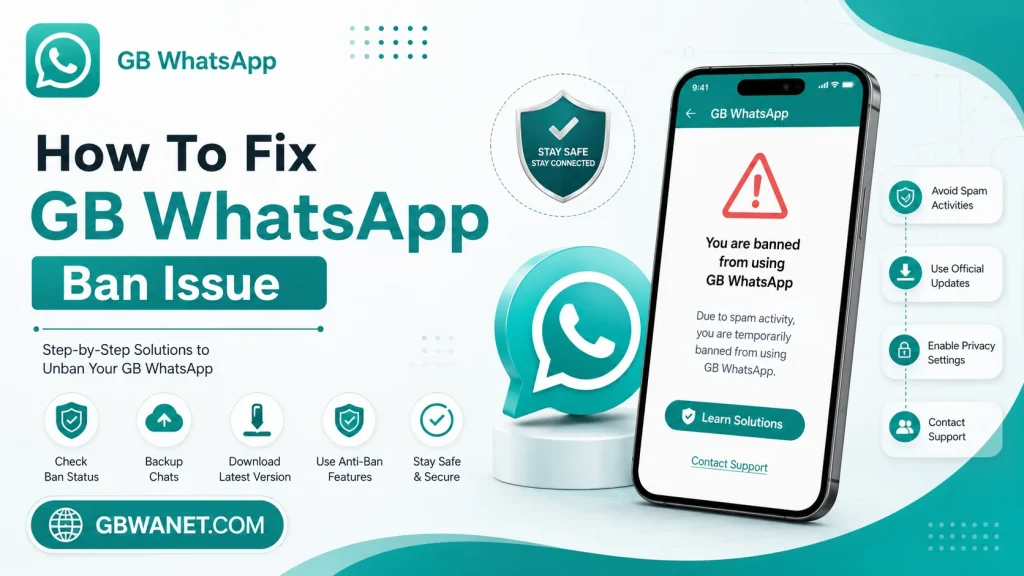
Opening GB WhatsApp one day and seeing a ban message can feel alarming, especially if you use it every day to stay in touch with people. The good news is that a ban doesn’t always mean your account is gone for good. This guide explains why bans happen and walks through the steps you can take to fix the problem.
Why Does GB WhatsApp Get Banned?
WhatsApp’s official servers can detect when a modified app like GB WhatsApp is being used instead of the real app. Since GB WhatsApp isn’t approved by WhatsApp, using it technically breaks the platform’s terms of service. Bans usually happen after the system flags unusual activity or simply recognizes the modified app’s signature.
Common Reasons Behind a Ban
Understanding what triggers a ban makes it much easier to avoid one in the future. A few patterns show up again and again.
- Sending too many messages too quickly, which looks like spam behavior
- Using an outdated version of GB WhatsApp that WhatsApp’s system has already flagged
- Getting reported by other users, even if by mistake
- Adding too many unknown contacts to groups in a short period of time
- Switching numbers or devices too often in a way that looks suspicious
Types of Bans You Might See
Not every ban is the same, and knowing which type you’re dealing with helps you pick the right fix.
- Temporary Ban: Usually lasts anywhere from a few hours to a couple of weeks
- Permanent Ban: Blocks the number completely, with no set end date
- Feature Ban: Only blocks certain actions, like sending messages to new contacts, while normal chats still work
Step-by-Step: How to Fix a Temporary Ban
Most bans people run into are temporary, and these steps usually solve the problem.
Step 1: Wait It Out
Temporary bans are often set to lift automatically after a set period of time. Opening the app repeatedly or restarting your phone won’t speed this up, and can sometimes make WhatsApp’s system flag your account further. Give it at least 24 hours before trying anything else.
Step 2: Update to the Latest GB WhatsApp Version
Older versions of GB WhatsApp are far more likely to get flagged, since WhatsApp updates its detection methods regularly. Download the newest version from a trusted source once your ban period ends. Running an updated version lowers your chances of getting banned again.
Step 3: Avoid Bulk Messaging After the Ban Lifts
Once your account is active again, ease back into normal use instead of sending a large number of messages right away. Sudden bursts of activity right after a ban often trigger a second one. Spread your messages out naturally over the first few days.
Step 4: Switch to the Official App Temporarily
If you’re not ready to risk another ban, moving your number to the official WhatsApp app for a while is a safe option. You can always switch back to GB WhatsApp later once things settle down. This also gives you time to back up your chats properly.
How to Fix a Permanent Ban
A permanent ban is more serious, but there are still a few paths forward.
Option 1: Contact WhatsApp Support
Even though GB WhatsApp isn’t the official app, some users have had success reaching out to WhatsApp support directly. Explain the situation honestly and ask for a review of the ban. This doesn’t always work, but it’s worth trying before giving up on the number entirely.
Option 2: Use a New Phone Number
If support doesn’t resolve things, registering GB WhatsApp with a new number is usually the fastest way back in. Make sure to follow safer usage habits from the start this time. Avoid repeating whatever pattern led to the first ban.
Option 3: Restore Your Chats From Backup
Whichever number you end up using, restoring your chat history from a backup keeps your conversations intact. Local backups saved on your device are usually the most reliable option. Always create a fresh backup regularly, so you’re never starting from zero after a ban.
How to Avoid Getting Banned Again
Prevention is much easier than fixing a ban after it happens. A few simple habits go a long way.
- Keep GB WhatsApp updated to the latest available version at all times
- Avoid mass messaging or sending the same message to many people quickly
- Don’t join or create too many groups in a short amount of time
- Give your account time to build normal activity before heavy daily use
- Back up your chats weekly, so you’re always prepared
GB WhatsApp Ban Risk vs Official WhatsApp
Here’s a simple comparison of how ban risk compares between the two versions.
| Factor | GB WhatsApp | Official WhatsApp |
|---|---|---|
| Ban Risk | Higher | Very low |
| Reason | Not an approved app | Fully approved by WhatsApp |
| Recovery Method | Wait, update, or switch numbers | Rarely an issue |
| Feature Trade-off | More features, more risk | Fewer features, more stability |
| Best For | Users wanting extra tools | Users wanting long-term stability |
Frequently Asked Questions
How long does a temporary GB WhatsApp ban usually last? It can range from a few hours to about two weeks, depending on how the system flagged the account.
Can I avoid a ban by using GB WhatsApp normally? Yes, in most cases. Sticking to normal messaging habits and avoiding bulk actions greatly lowers the risk.
Does updating GB WhatsApp remove an existing ban? No, updating alone won’t lift a current ban, but it does reduce the chance of getting banned again afterward.
Will I lose my chats if my number gets banned? Not if you have a backup. Chats can be restored once you’re back on GB WhatsApp or switch to a new number.
Is switching to a new phone number the only fix for a permanent ban? It’s usually the most reliable fix, though contacting WhatsApp support is worth trying first.
Final Thoughts
A GB WhatsApp ban is frustrating, but it’s usually fixable with a bit of patience and the right steps. Temporary bans often resolve on their own, while permanent ones may need a new number or a support request. Building safer habits going forward, like keeping the app updated and avoiding bulk messaging, is the best way to keep your account running smoothly.